 vintex.app







What's new
The extension changelog, and how to tell which version you are running.
Why check what's new?
Because a greyed-out feature in the dashboard often means your extension is one version behind. This page says what you're running, and what you're missing.
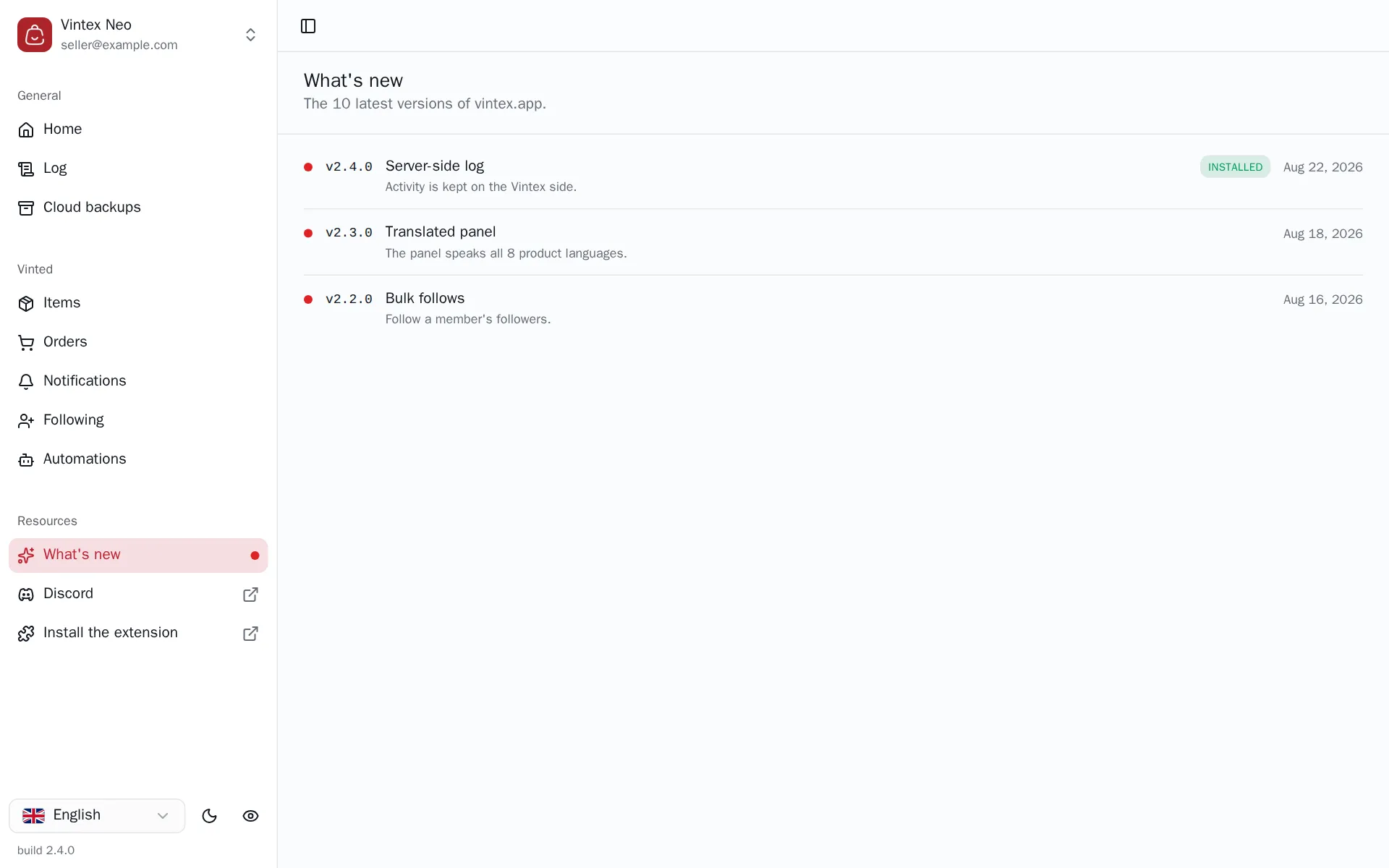
Spotting your version
The installed version carries the Installed badge. The build number is also shown right at the bottom of the sidebar — that's the one to give support.
Versions published after yours show as unread. If your extension is behind, update it: some dashboard features require a minimum extension version and show greyed out until then.
If it doesn't work
| Symptom | Likely cause | Fix |
|---|---|---|
| "Could not load" | The Vintex service didn't answer | Retry |
| No version marked Installed | The extension isn't detected in this browser | Check it is installed and enabled |
| The dashboard asks for an update | The extension is older than the dashboard | See Updating |
Try it on your own shop
Vintex runs in your browser, on your own seller account.