


Unfollow
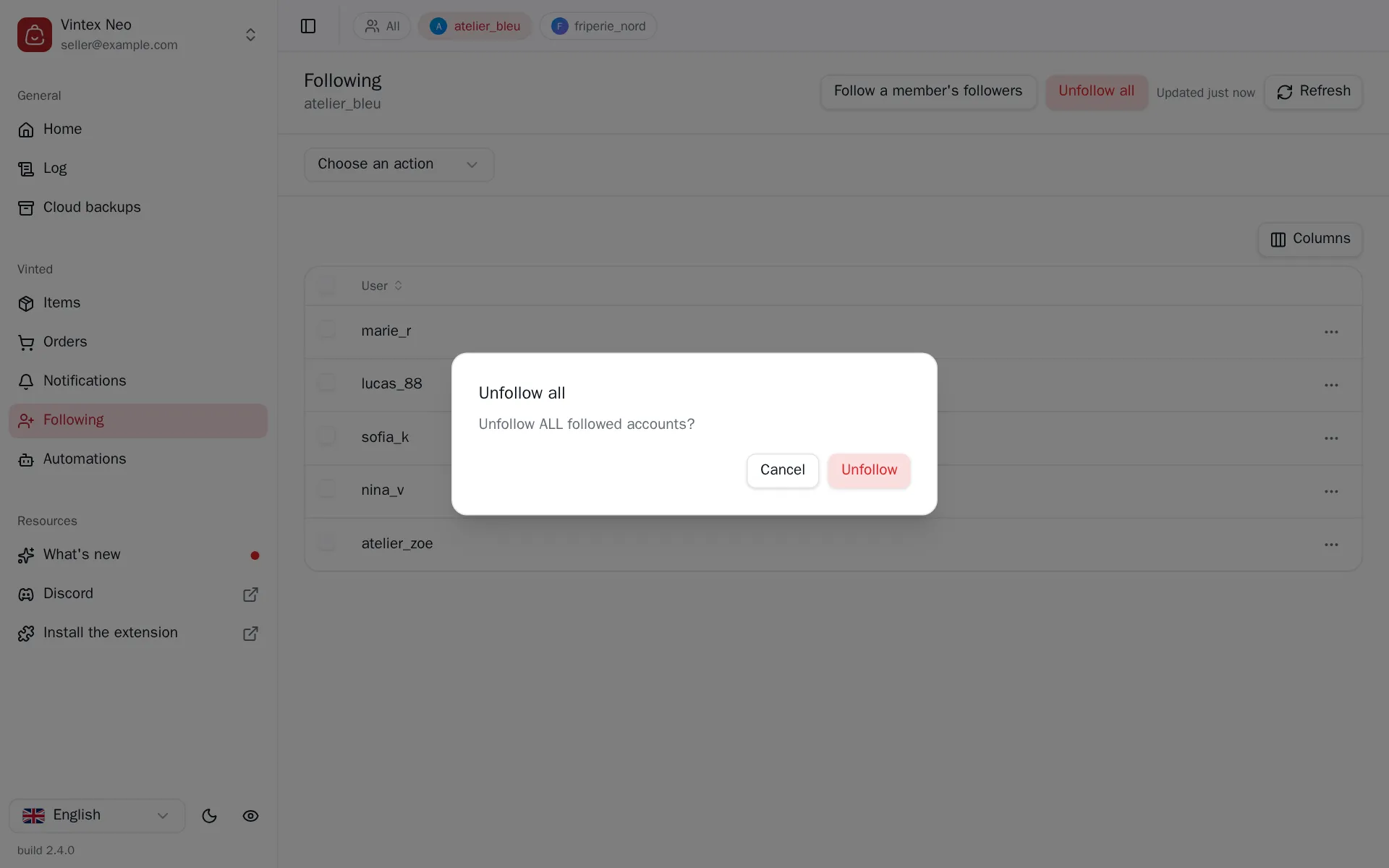
Remove one, several or all accounts from your follows on the platform.
Why unfollow?
The platform caps how many accounts you can follow: a full list blocks any new follow. Clearing it out gives you room again — and lets you restart from a chosen audience rather than an inherited one.
How to do it
From the Follows table, narrowest first:
- a row's menu, for one account;
- the Unfollow users task, picked above the table, then the ticked rows;
- Unfollow all, for the whole list.
What it changes on the platform
There is no way to recover the list of accounts you followed. If it has value, write it down first.
What happens while it runs
A few seconds between each account, and the gap varies. Chaining unfollows without breathing is the most blatant bot pattern in the app, and the platform sees it.
In practice: 600 follows takes over an hour. A large batch is handed to the extension in several parts, and the task card first says so with “Preparing… 40%” and its bar. After that, the run is cancellable at any time — what is done stays done — and its progress shows on the task card, one line per member and a bar counting the “15 / 45 finished”. Close the dashboard: the run goes on, and the card finds it again when you reopen it.
If it doesn't work
| Symptom | Likely cause | Fix |
|---|---|---|
| Some unfollows fail | The platform rate-limited you | Retry later on the remaining rows |
| The list doesn't shrink | Cached view | Click the button at the top right |
| The task stops midway | platform tab closed during the run | Reopen the tab, run again on what's left |