Sorted by what you want to get done, so you can tell at a glance whether vintex is for you.
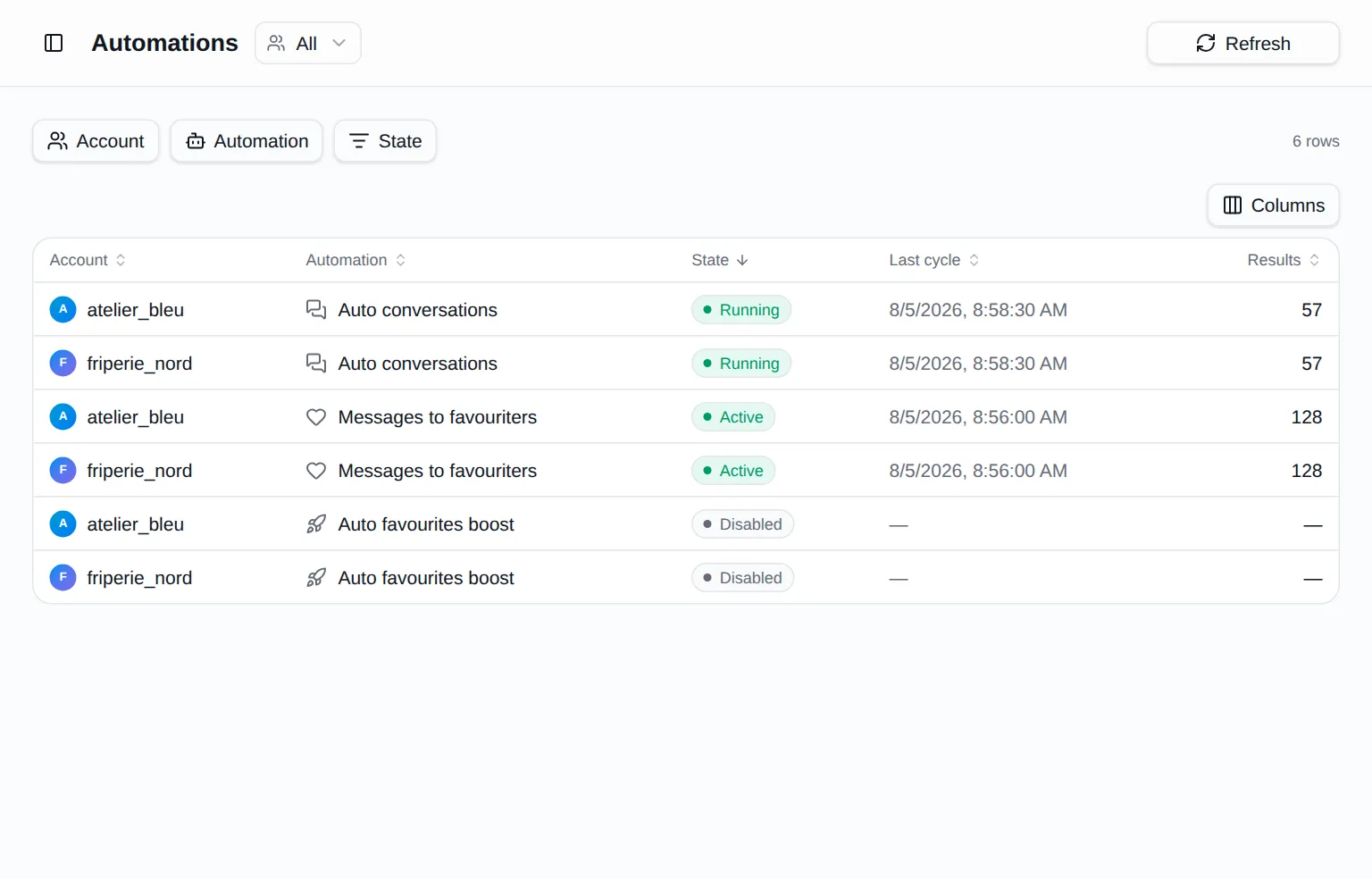
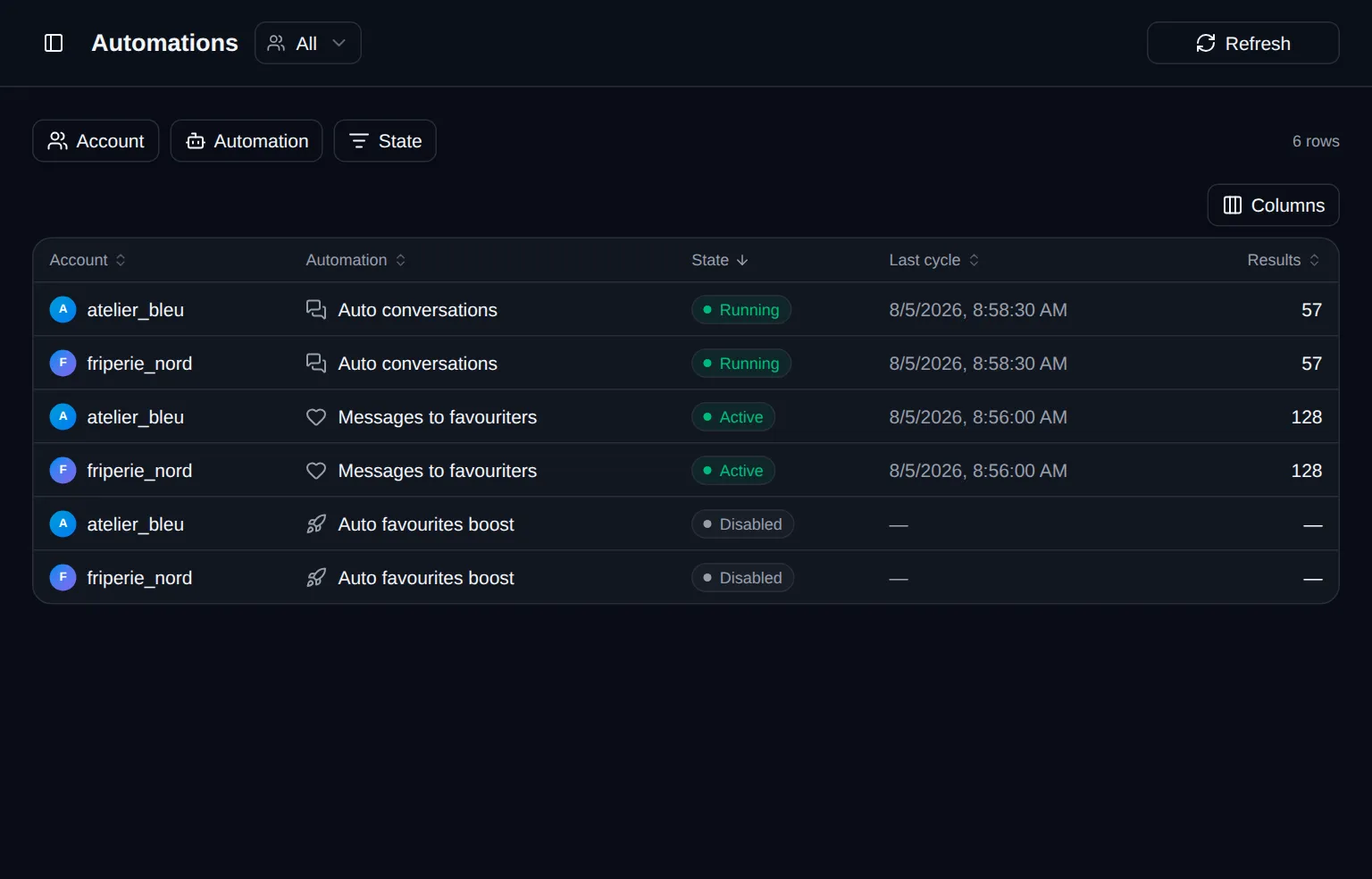
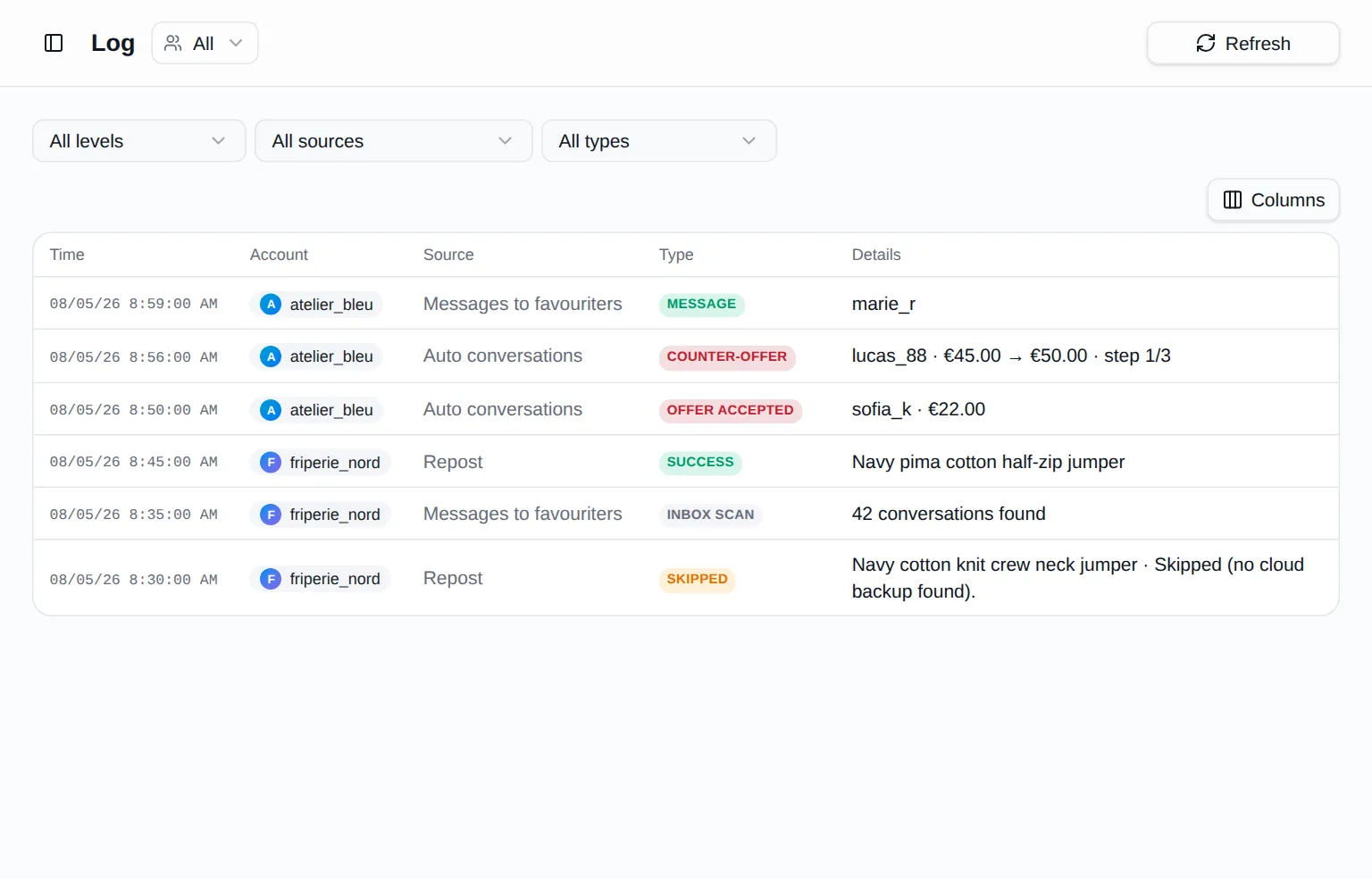
They run in your browser, as long as it's open, following the rules you set.
An account, the extension, your seller account: from then on you work from a single page.
With Google or an email address. You land on your dashboard, which guides you through the rest.
The dashboard walks you through it. Two clicks, on Chrome, Edge, Brave or Opera.
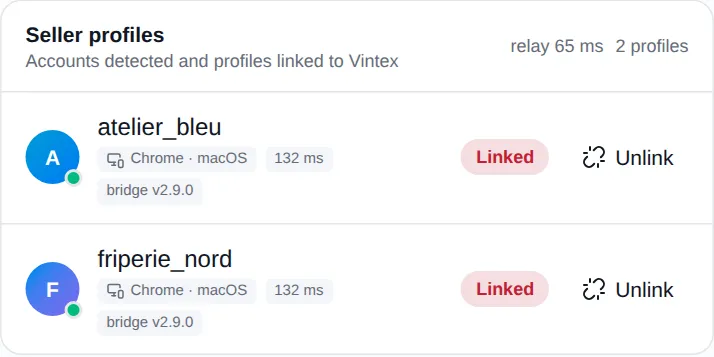
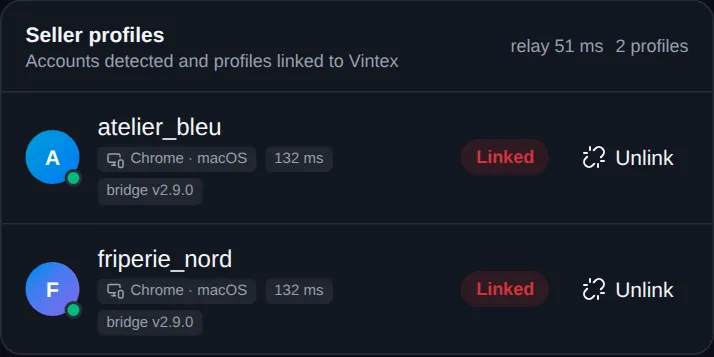
From the vintex pill, on the platform where you sell. No password to hand over.
Everything you need to know before getting started with Vintex.
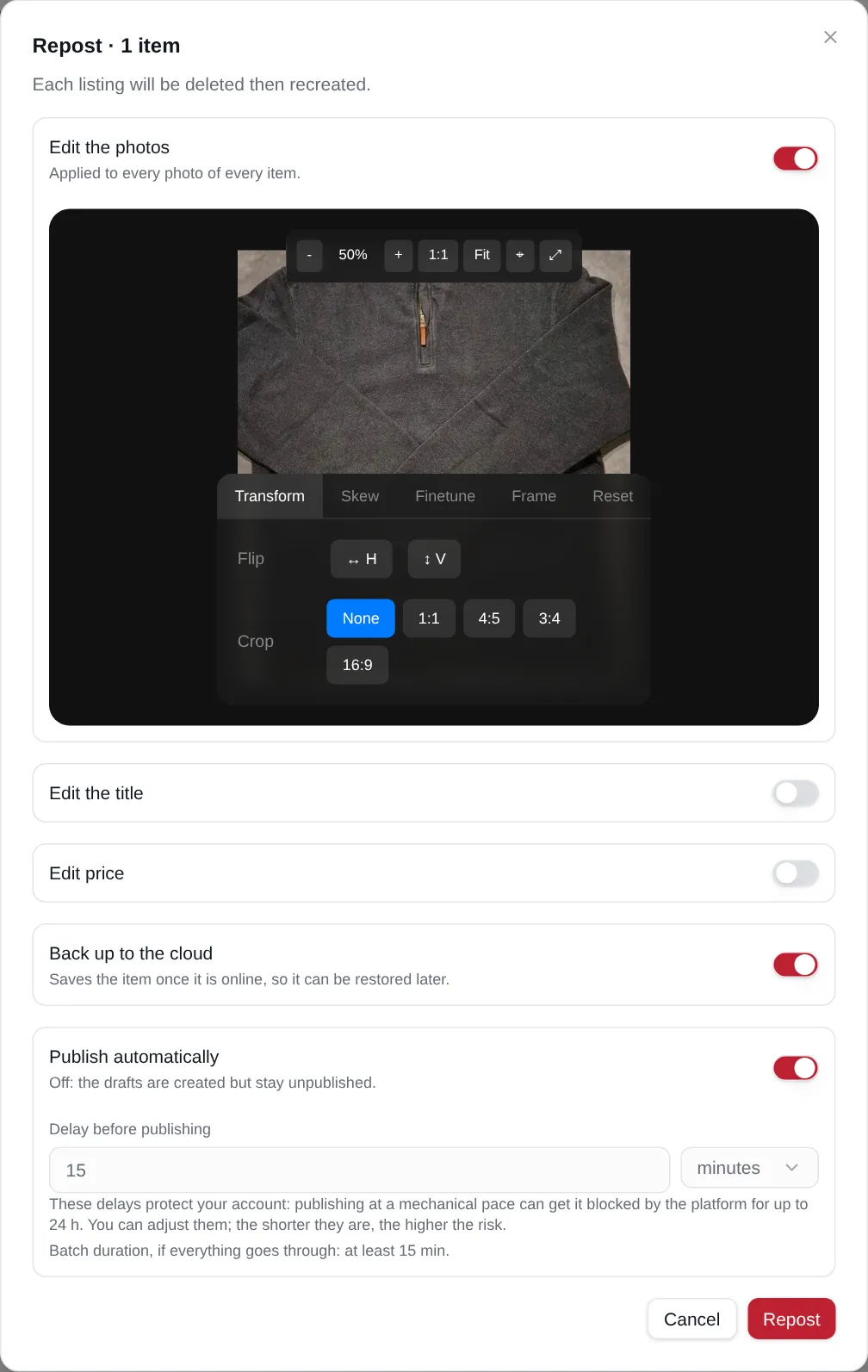
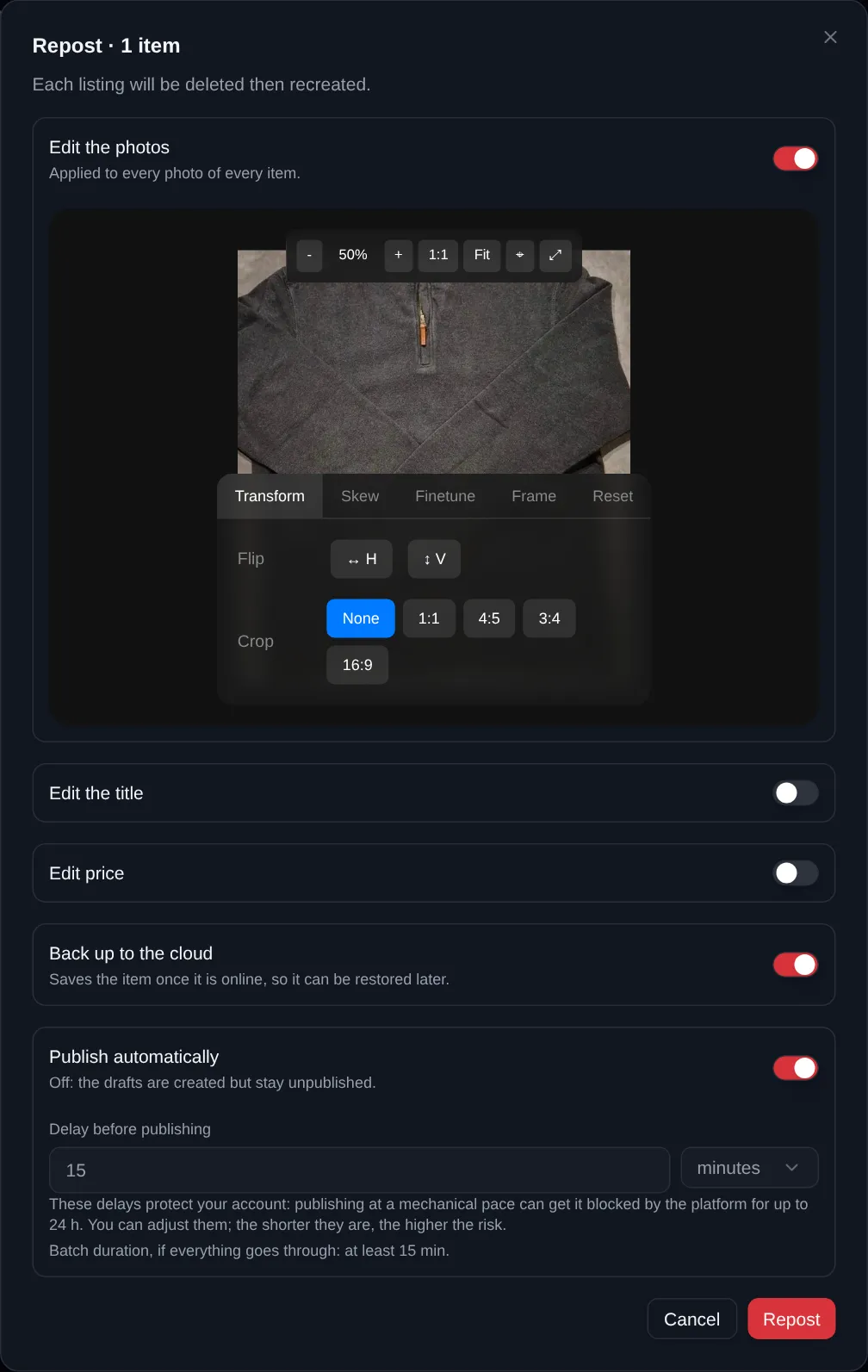
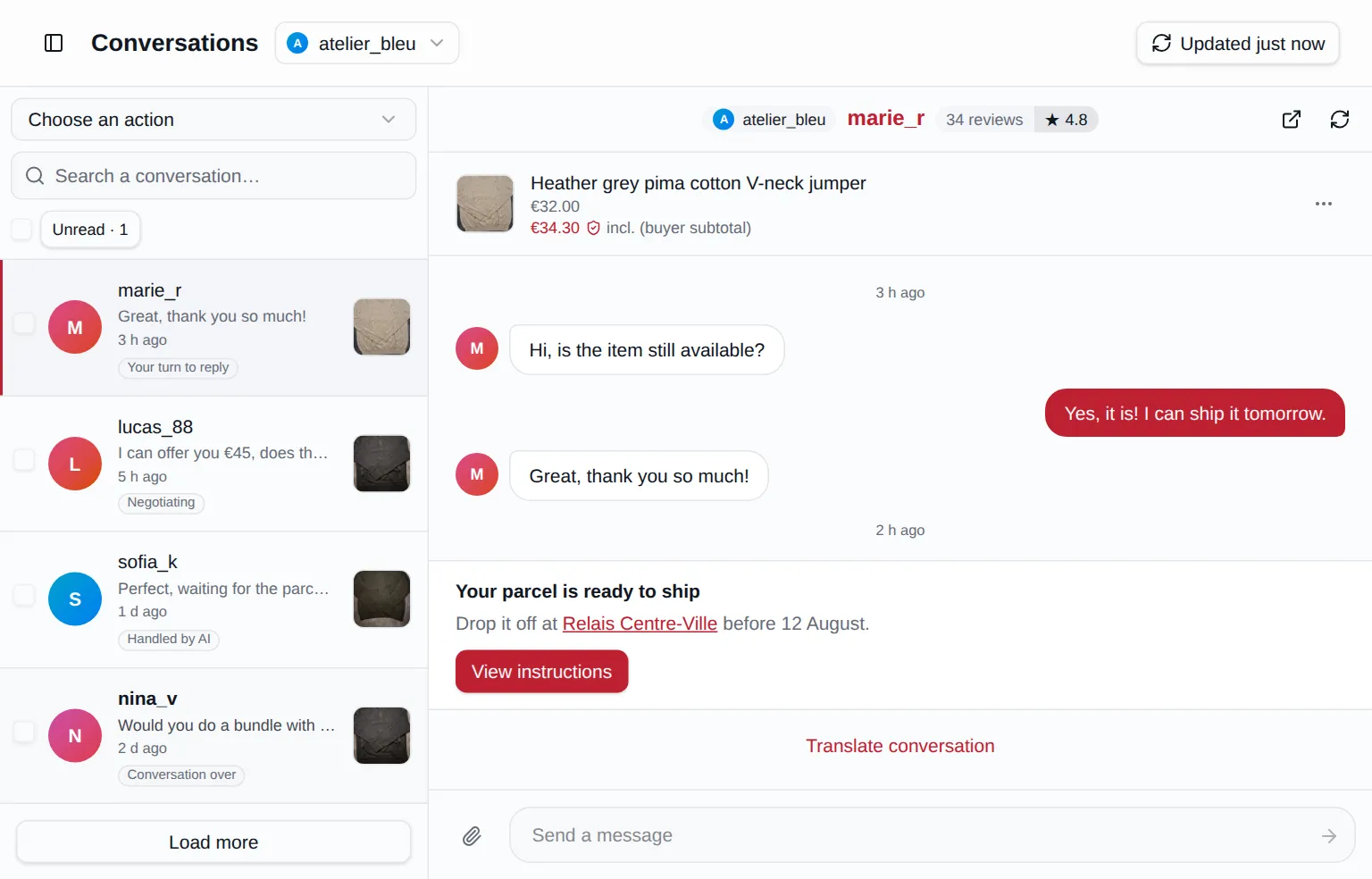
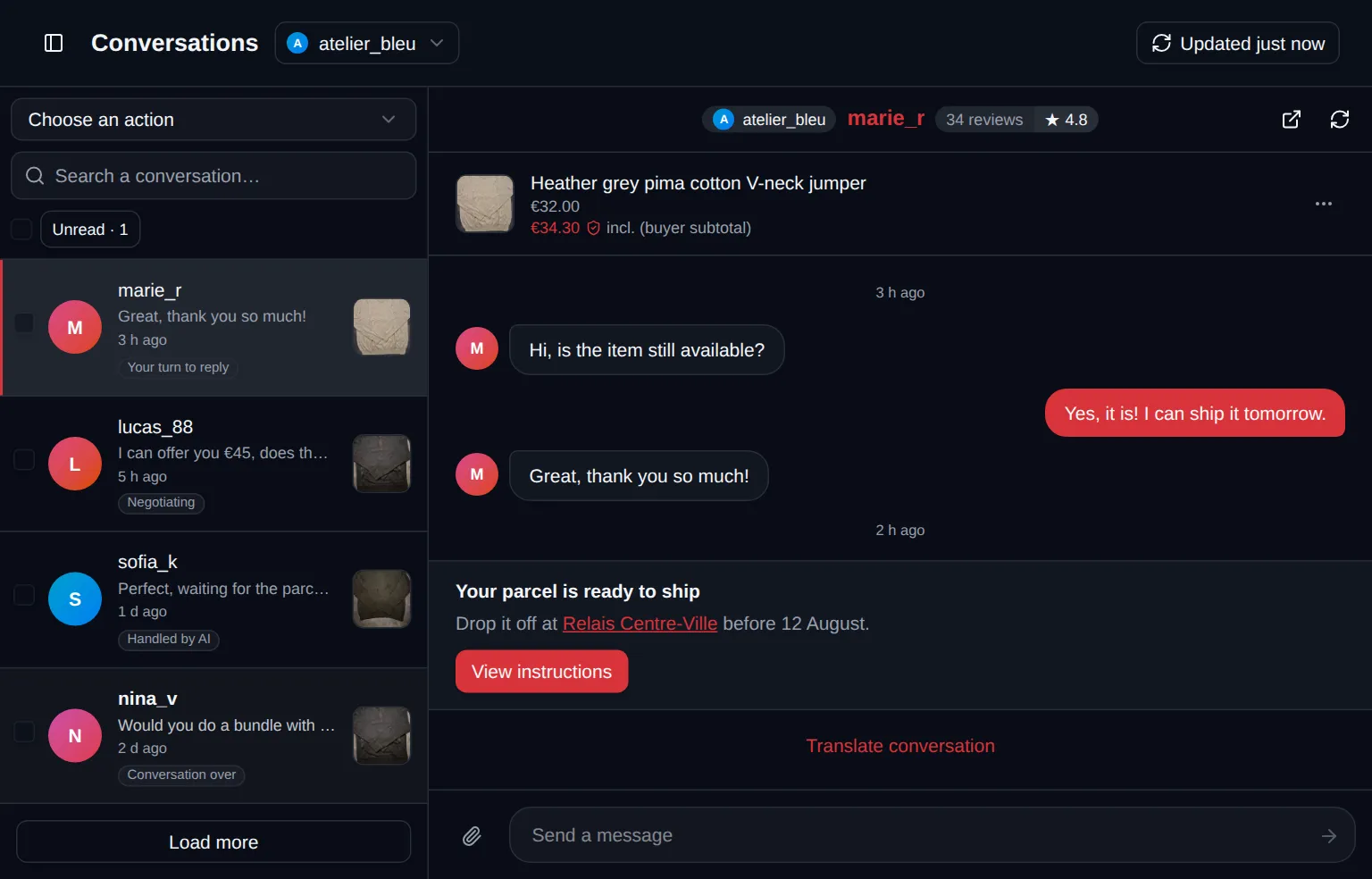
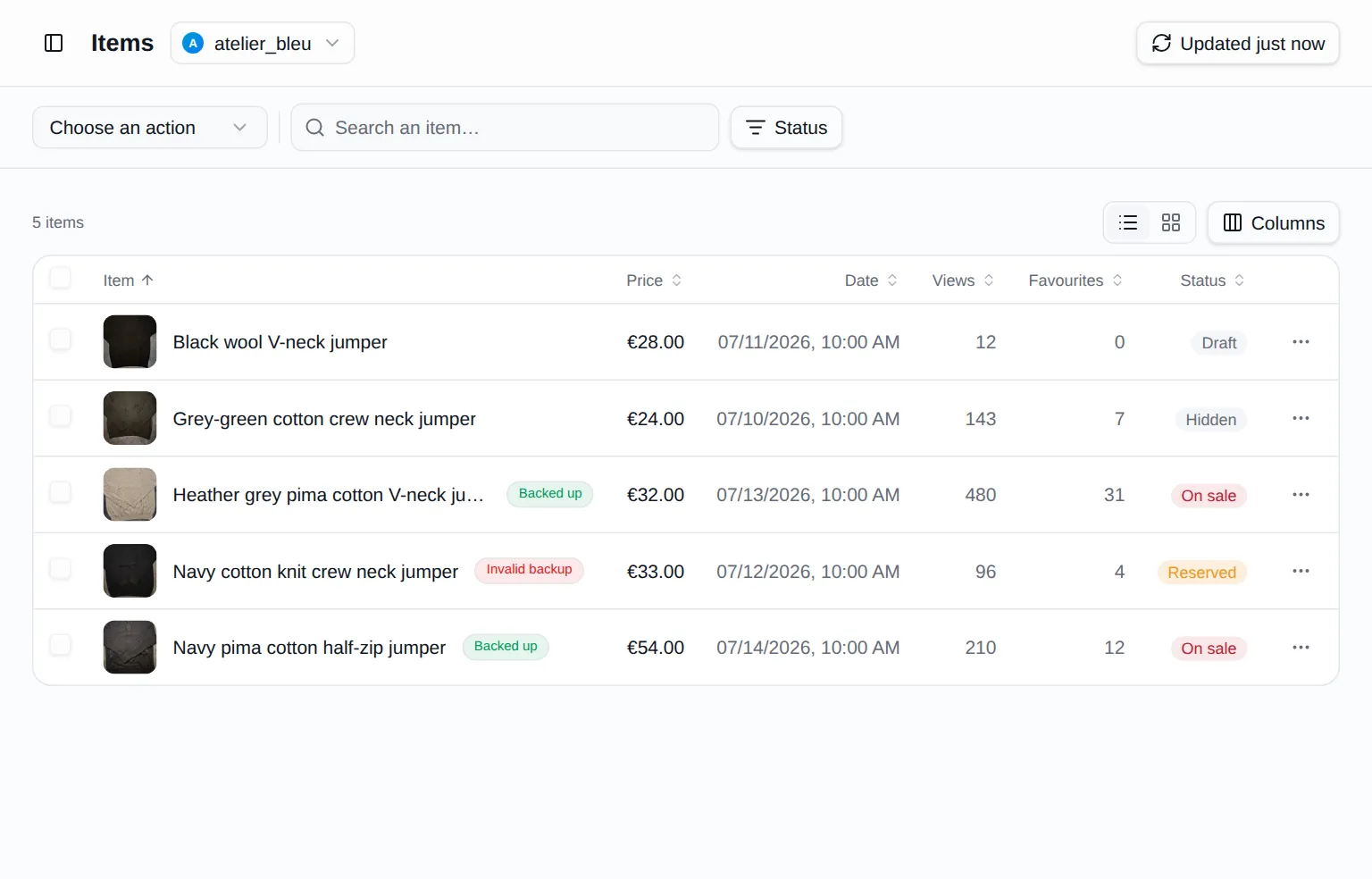
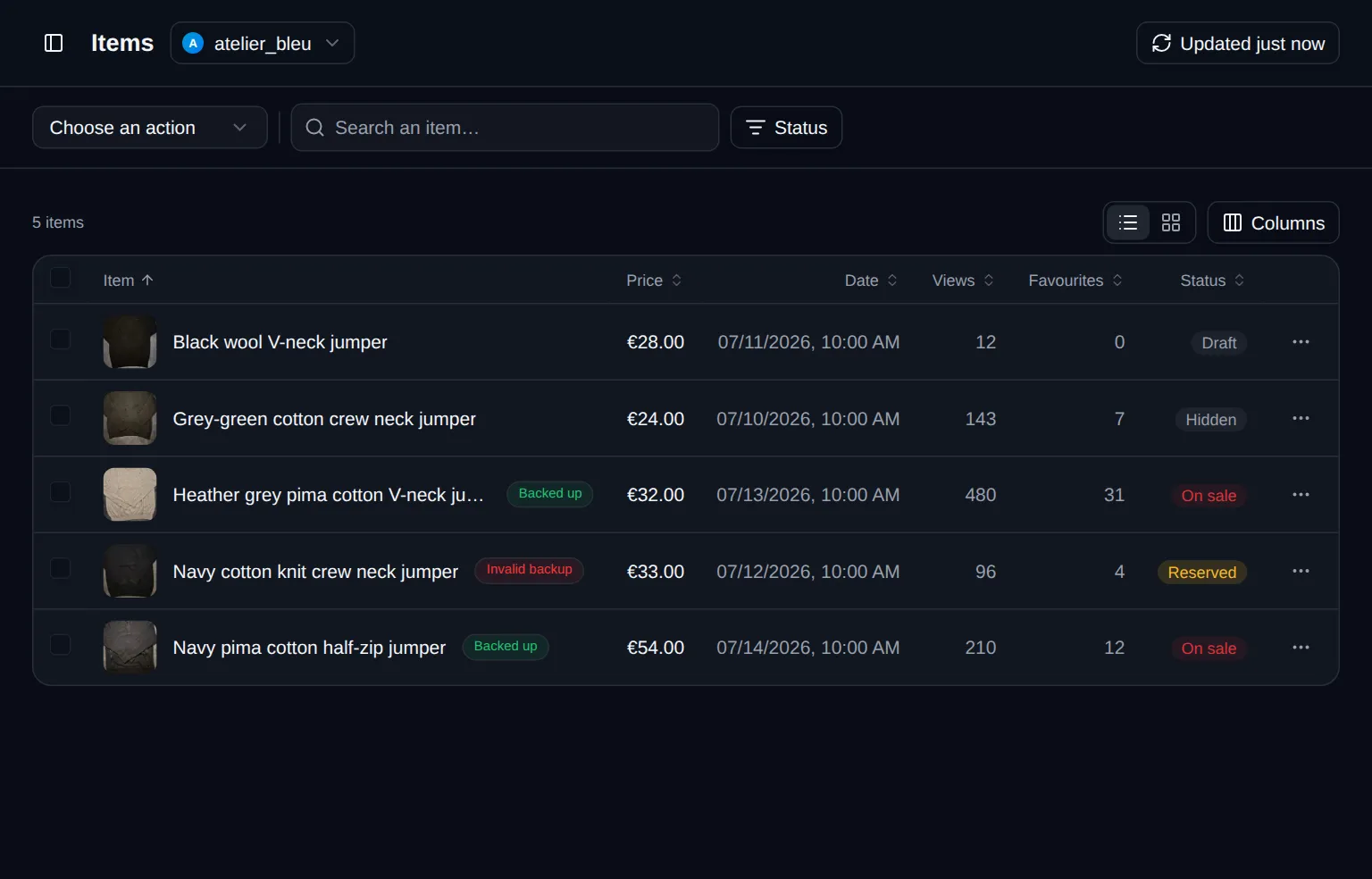
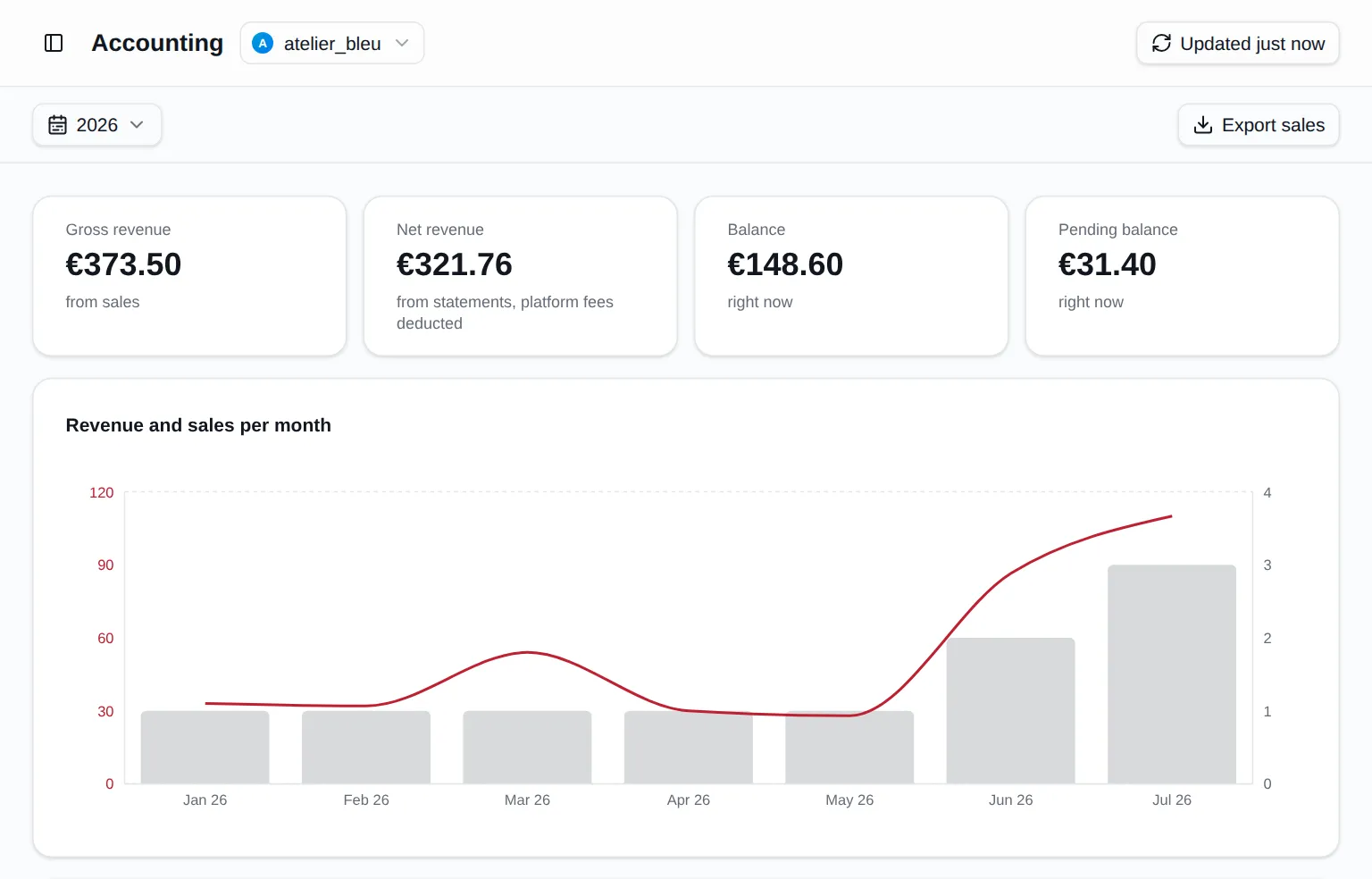
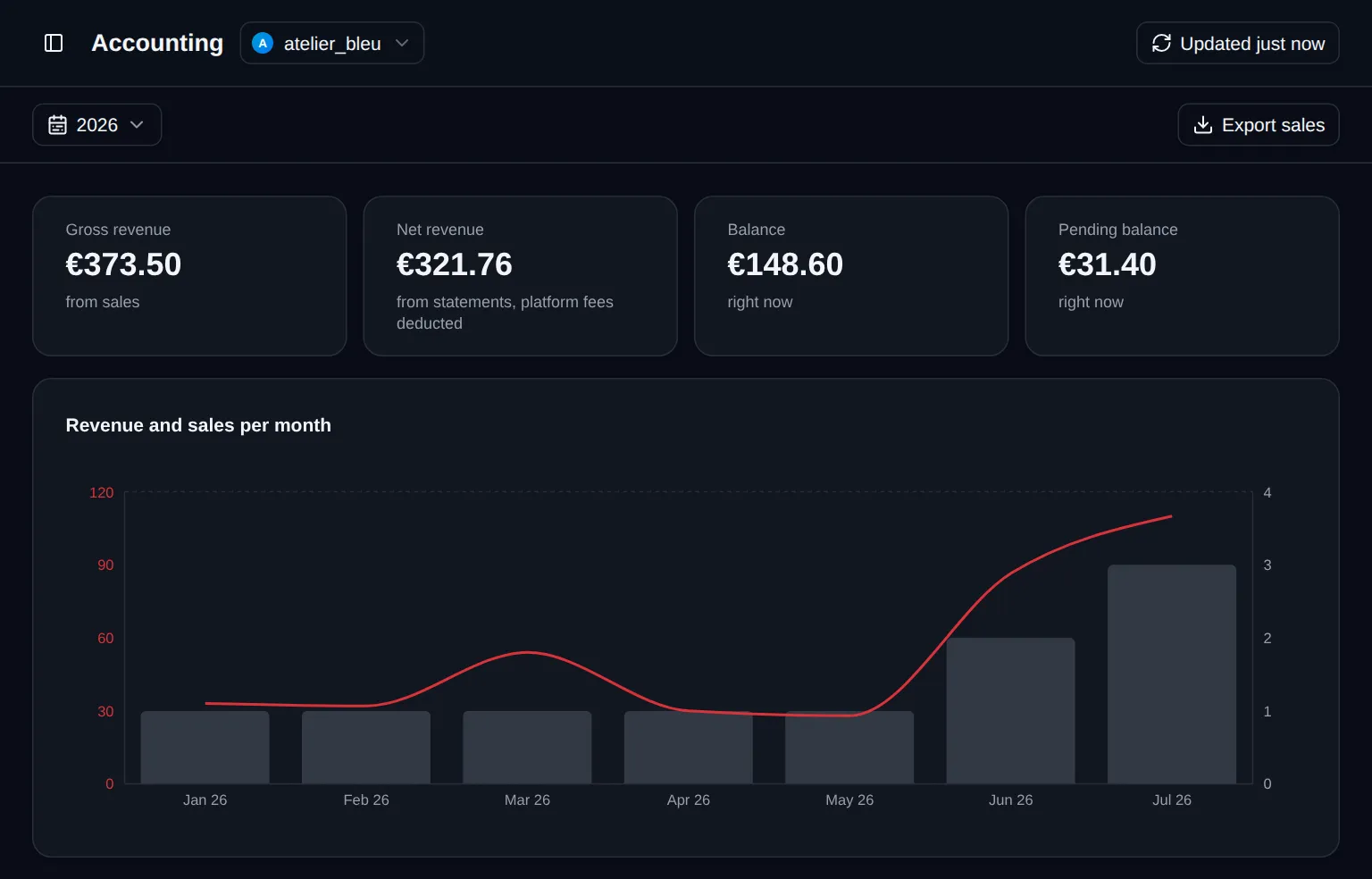
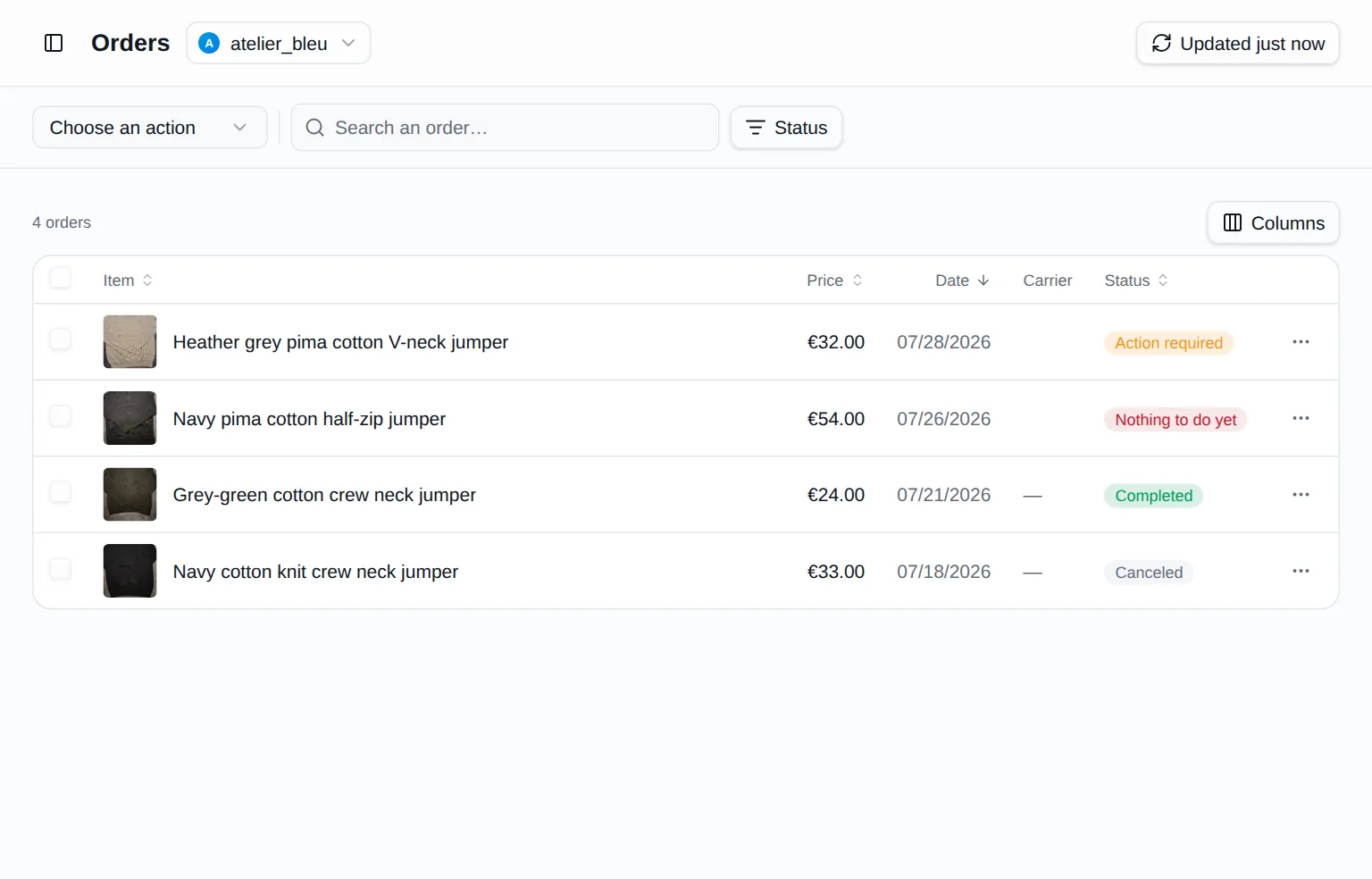
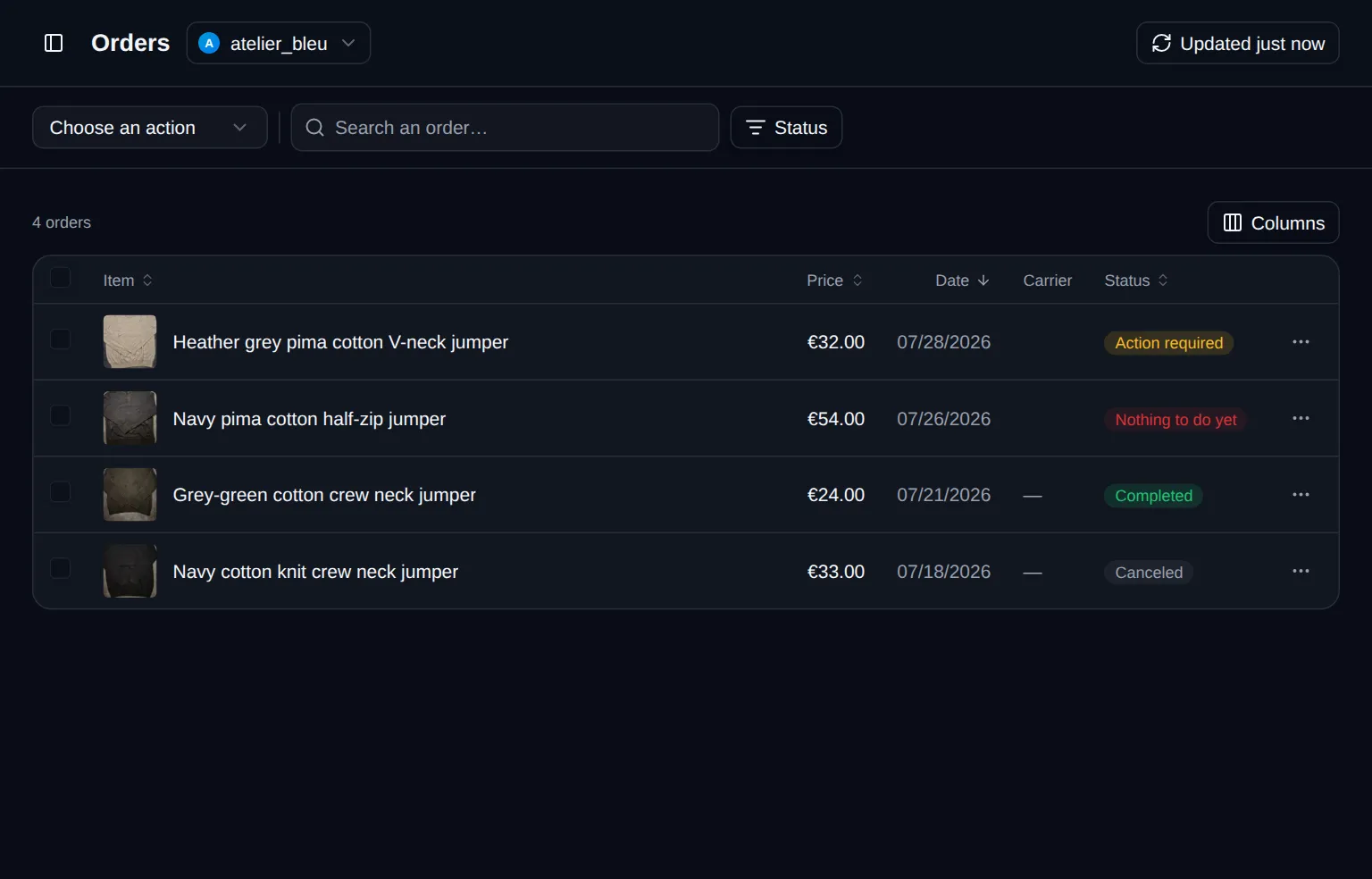
Vintex is a browser extension and a dashboard for second-hand sellers. From one page you relist your wardrobe, handle your orders and their shipping labels, answer buyers, follow your revenue and back up your listings — across every account you run.
Vintex never asks for your password. The extension runs in your own browser and works only through the session you are already logged into, so your credentials never pass through our servers. Vintex is an independent tool; your use of your seller account remains subject to the terms of the platform that hosts it.
Yes — on iPhone with the Orion browser, on Android with Mises Browser. Those are the ones that accept extensions; neither Safari nor Chrome for mobile does. The dashboard adapts to the screen: tables become cards. See the iPhone and Android guides.
Yes, for anything Vintex does on the platform: it acts from a tab where you are already logged in. You can close the dashboard — automations keep running — but closing the browser, or the last tab of that account, stops them. On a phone they survive a locked screen, but not switching to another app.
There's no commitment: you cancel whenever you like. You keep your plan until the end of the period already paid, with no further charge, then your account goes back to the free plan.
Support is handled by a team of three people who use vintex themselves every day. Email them at [email protected]; the documentation also answers the most common questions.
Create your account: your dashboard is waiting.