 vintex.app







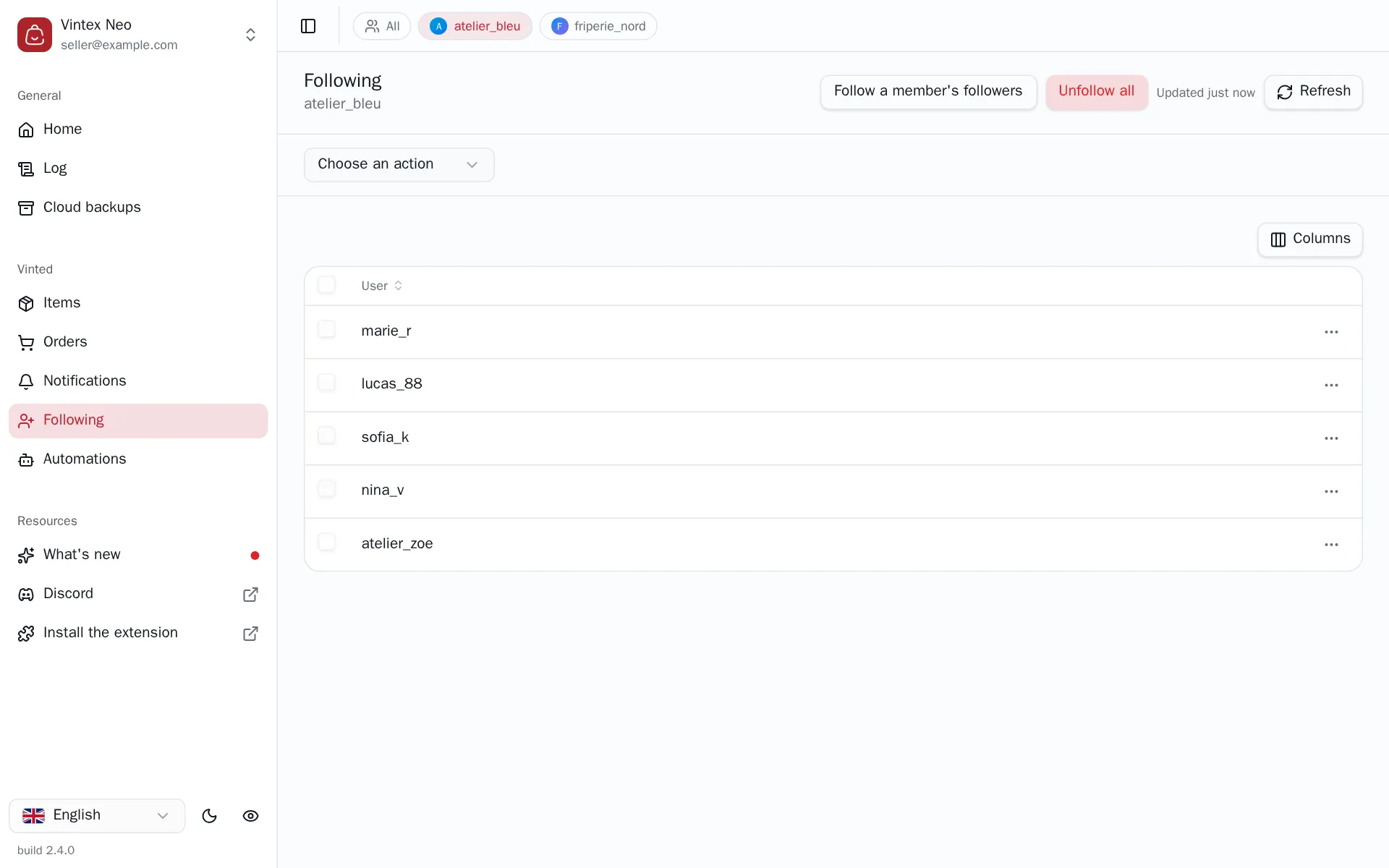
The Follows table
Read the seller accounts you follow, and start a bulk unfollow or a bulk follow.
What this tab is for
On the platform, following draws attention: many members look at who just followed them. This tab is where you steer that list — clean it up when it has grown, or extend it towards a chosen audience.
Two tasks start from it: unfollowing and following a member's followers.
The platform's follow cap
The platform caps how many accounts you can follow. Past the cap, further follows fail — Vintex records it in the Log rather than retrying forever. Manual selection is capped too, with a "Selection limited to N rows" message.
Why the list isn't always to the second
Vintex keeps reads from the platform in memory for 15 minutes: without that, every tab switch would hammer the platform's API — exactly the kind of burst that gets an account noticed.
So you needn't fear acting on stale data: every write refreshes what it invalidated. What the cache covers is change coming from elsewhere — a buyer paying, a sale landing. The button at the top right says when the data was read ("Updated 12 min ago"); clicking it forces an immediate re-read.
If it doesn't work
| Symptom | Likely cause | Fix |
|---|---|---|
| Empty list | No platform tab open for that profile | Reopen a platform tab |
| The list doesn't update after an action | Cached view | Click the button at the top right |
| "Selection limited to N rows" | Selection cap reached | Work in several batches |
Try it on your own shop
Vintex runs in your browser, on your own seller account.