 vintex.app







Delete a backup
Erase a backup and its photos from your Vintex space — for good.
When to delete a backup?
When the item is definitively behind you: sold and not replaceable, or off sale for good. As long as there is a chance of putting it back online, a backup costs nothing to keep.
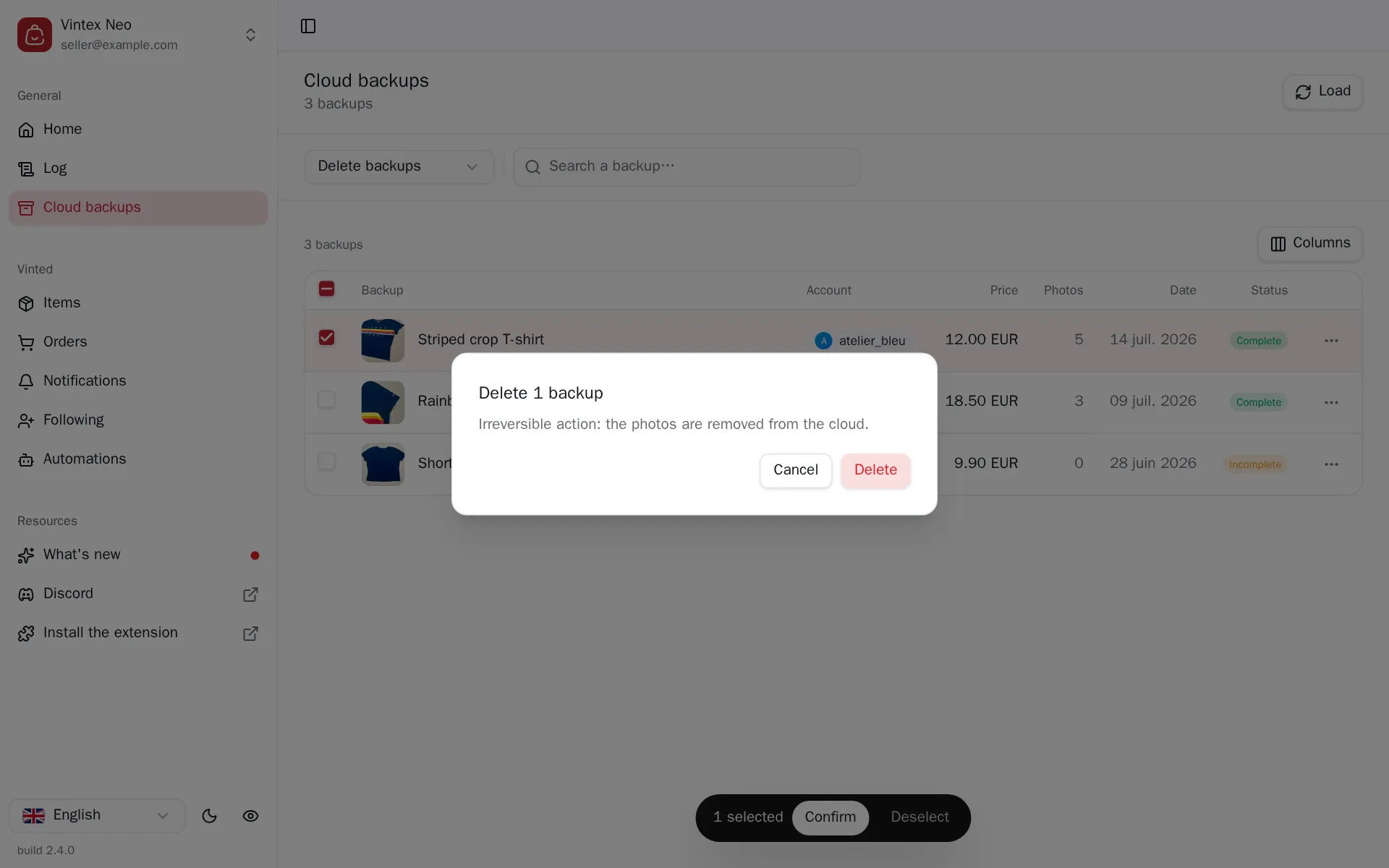
How to do it
From the Backups table: a row's menu; or, for several, the task picked above the table.
What it changes
Deleting a backup erases the photos
The images are removed from our storage. If the item no longer exists on the platform, there is no other copy — and a sold item no longer has its photos on the platform. A backup is often the only thing that makes a sold item relistable.
Deleting a backup does not touch the corresponding listing on the platform, if it still exists.
What happens while it runs
The whole batch goes out in a single call: the task centre shows one line for the lot, not one per backup. The outcome is therefore the lot's — it either goes through or fails as a whole.
If it doesn't work
| Symptom | Likely cause | Fix |
|---|---|---|
| The row reappears after a reload | Cached view | Load again at the top of the page |
| Deleting fails | The Vintex service didn't answer | Retry |
Try it on your own shop
Vintex runs in your browser, on your own seller account.