 vintex.app







The Notifications table
Read incoming favourites, filter them by period and status, and spot what's left to handle.
What this tab is for
A favourite is an interested buyer who hasn't dared make an offer yet. This tab gathers them all — instead of watching them scroll by in the platform's notifications — and tells you which ones you already contacted.
It is where replying to favourites starts.
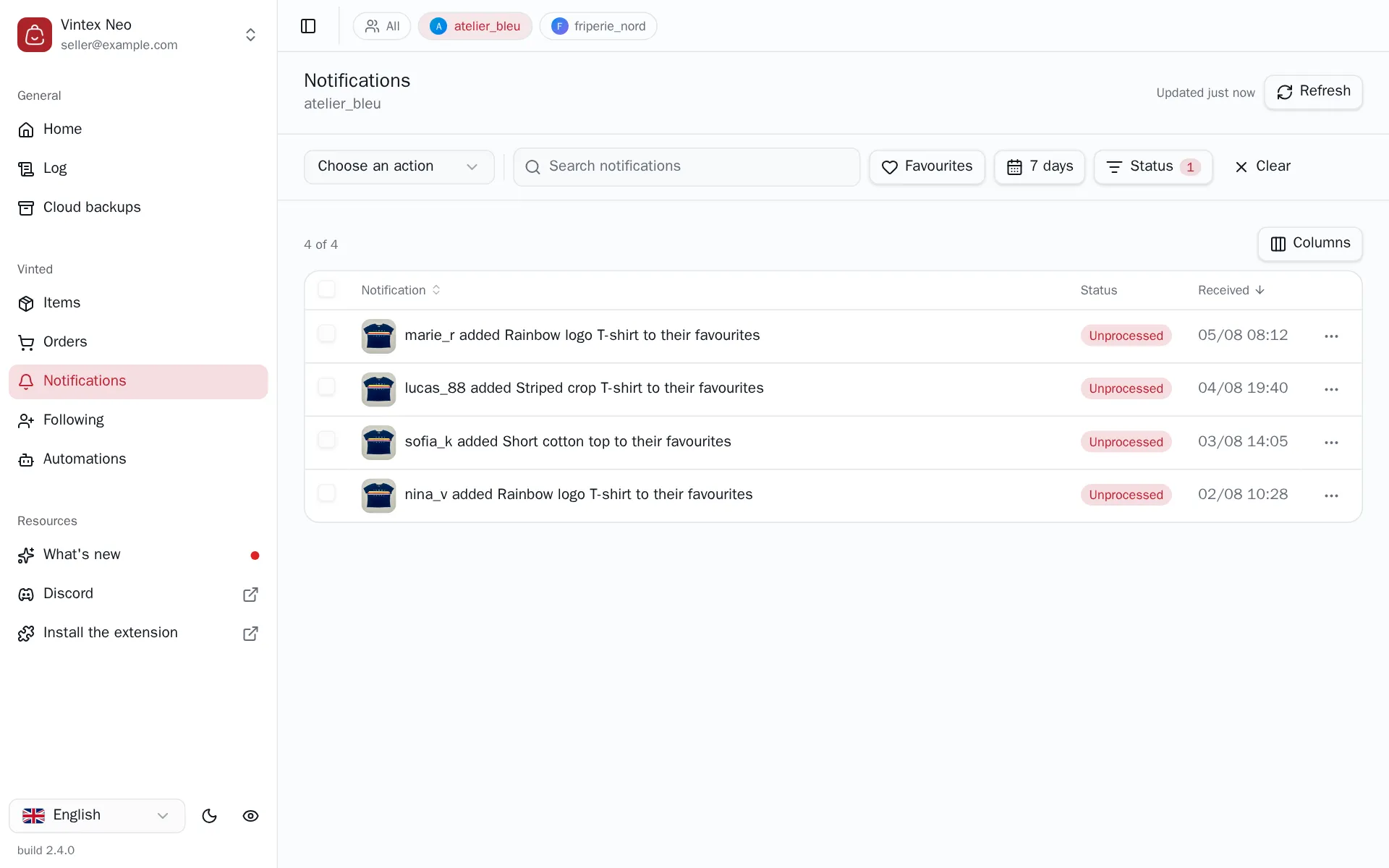
Filtering
Free-text search, a Favourites filter, a period filter (today, N days, 7 days by default) and a status filter — Processed / Unprocessed, to see only what's left to do.
Why the list isn't always to the second
Vintex keeps reads from the platform in memory for 10 minutes: without that, every tab switch would hammer the platform's API — exactly the kind of burst that gets an account noticed.
So you needn't fear acting on stale data: every write refreshes what it invalidated. What the cache covers is change coming from elsewhere — a buyer paying, a sale landing. The button at the top right says when the data was read ("Updated 12 min ago"); clicking it forces an immediate re-read.
If it doesn't work
| Symptom | Likely cause | Fix |
|---|---|---|
| Empty list while the platform shows favourites | platform tab closed, or filter period too narrow | Reopen the tab, widen the period |
| Everything shows "Unprocessed" although you replied | The conversation is more than 10 days old — the status is worked out over that window, not over your period filter | Nothing to fix; check the Inbox before replying again |
| One favourite went back to "Unprocessed" on its own | Its conversation was deleted from the Inbox — the status is worked out from your conversations | Nothing to fix; only reply again if you mean to write to that buyer a second time |
| "Some favourites are missing" | Too many notifications over the period | Narrow the period |
Try it on your own shop
Vintex runs in your browser, on your own seller account.